New Online Store
— Account Setup & Purchase Tips —
This year, we are introducing new technology to improve your experience. All guests will need to create a new account. The process only takes a few minutes.
Before You Start
Please have the following ready:
-
Access to your email
-
Email addresses for each adult passholder
-
Birthdates for everyone in your group
-
A digital photo saved on your device for each family member (can be updated anytime)
How to Purchase Your Pass
- Add the pass(es) you'd like to purchase to the cart.
- When you view your cart, you'll be prompted to create an account using your email. All guests will need to create a new account.
- Verify your email by entering the code sent to your inbox. This code may take a few minutes to arrive.
- Enter the requested information to create guest profiles for each person you are purchasing a pass for.
- Enter your payment information and complete checkout.
Tips to Avoid Checkout Issues
- Use a unique email address for each adult passholder. You may leave the email field blank for children under 18.
- You must add an image for yourself and all family members. This image can be updated at any time. You will not add a photo for non-family members, but they must add one before they pick up their pass.
- Do not use autofill when entering guest information, as this may cause checkout issues.
- If you receive an error while creating a guest profile, remove the product from your cart, add it again, then upload the photo before entering the guest’s name or other details.
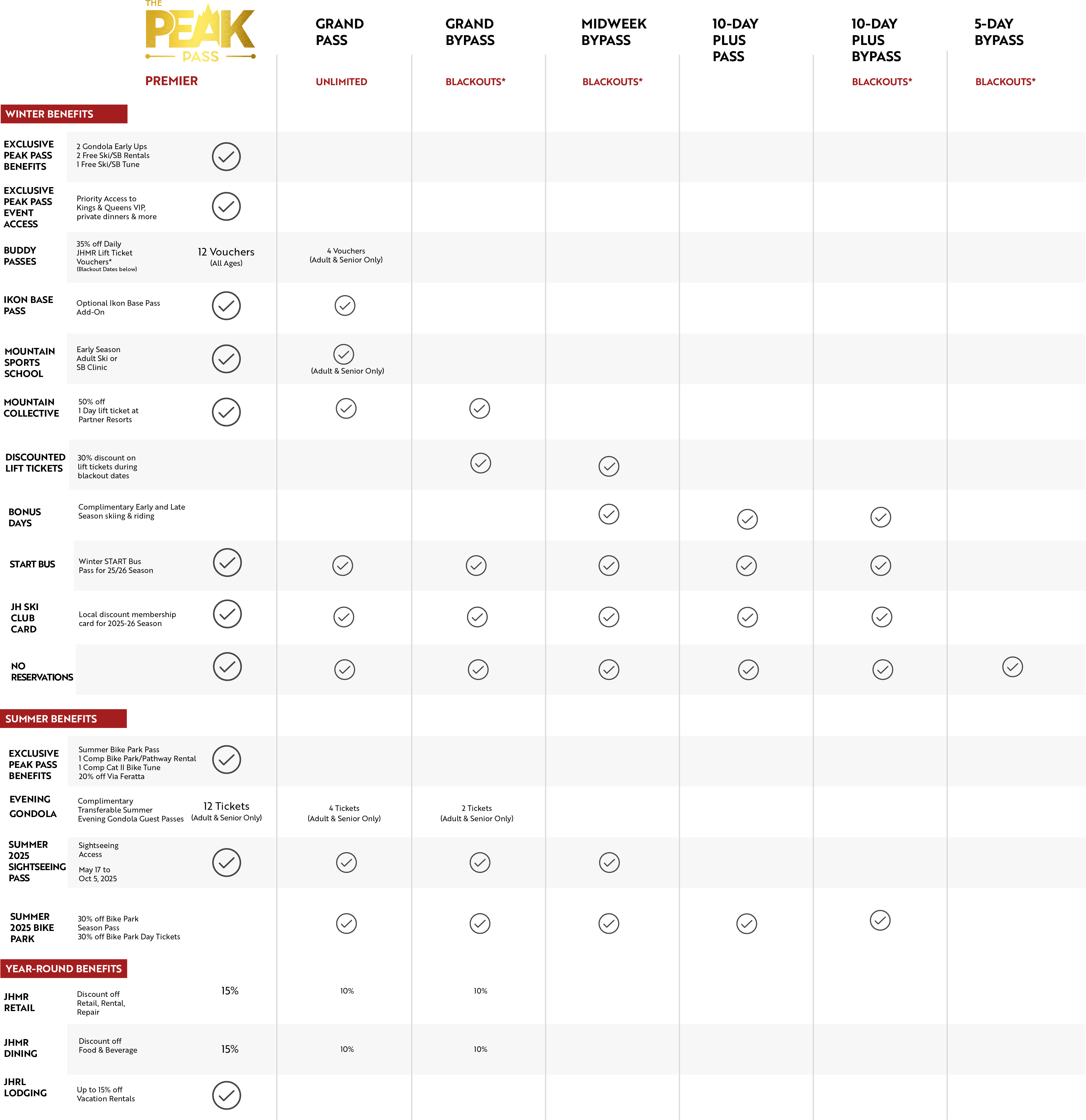
- Add passes separately if they need different add-ons. For example, if you are purchasing two Grand Passes but only one needs a Bike Park Pass add-on, add each Grand Pass to your cart one at a time instead of using the quantity selector.
Thank you for your patience as we transition to this new system.
NEED HELP? CALL 307-733-2292